> For the complete documentation index, see [llms.txt](https://docs.algomojo.com/algomojo/llms.txt). Markdown versions of documentation pages are available by appending `.md` to page URLs; this page is available as [Markdown](https://docs.algomojo.com/algomojo/my-api-logs/orders-log.md).
# Orders Log
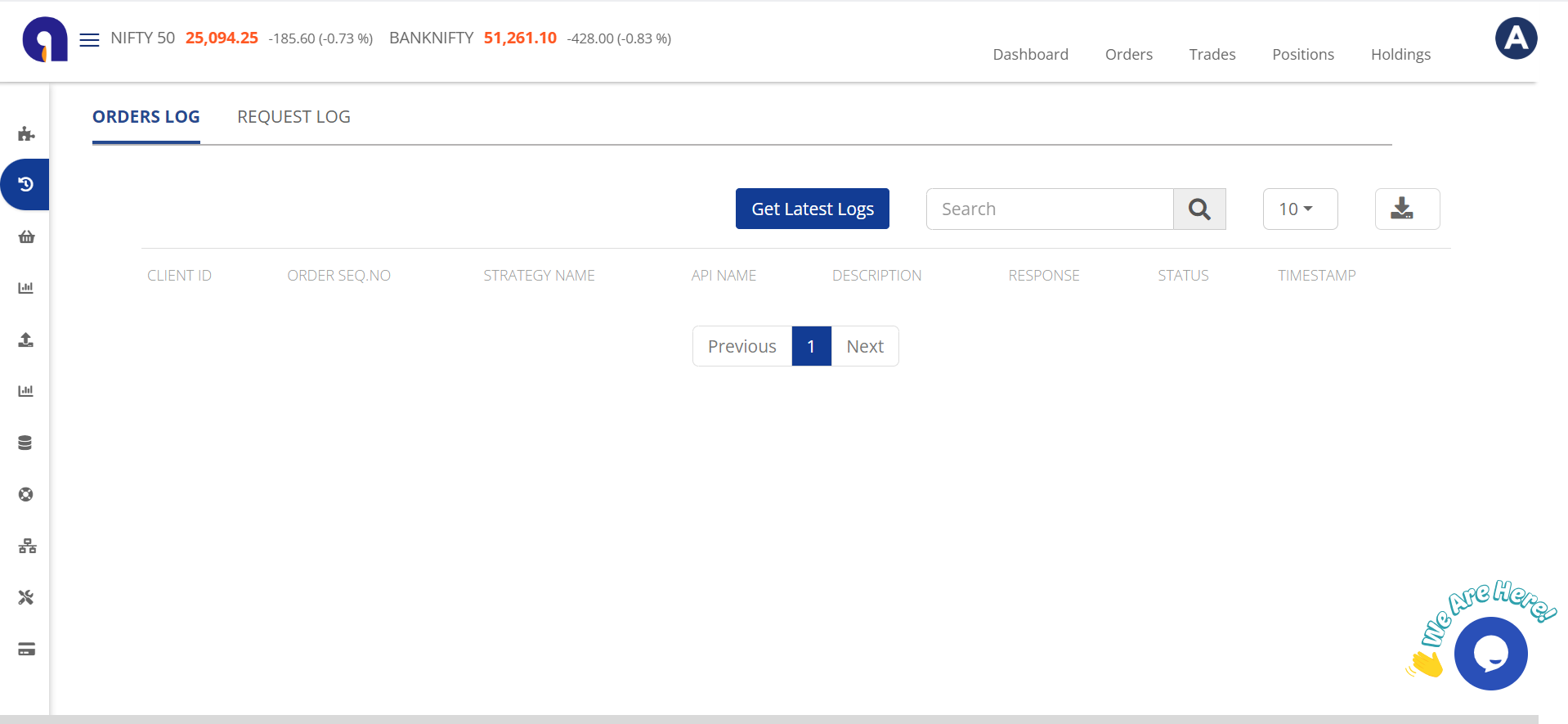
These instance of order-related logs. It's possible that there are multiple sets of order logs for different purposes or categories.
**Search:**
"Search" indicates a feature that allows users to search and filter the log data to find specific entries or information.
**CLIENT ID:**
"CLIENT ID" is a unique identifier for a client or user.
**ORDER SEQ.NO:**
"ORDER SEQ.NO" represents the order sequence number, which is a unique identifier for each order. It helps in tracking and differentiating orders.
**STRATEGY NAME:**
"STRATEGY NAME" could refer to the name or label associated with a specific strategy used in the context of orders or transactions.
**API NAME:**
"API NAME" specifies the name of the API involved in the transaction or request.
**DESCRIPTION:**
"DESCRIPTION" provides additional details or information about the order, strategy, or API request.
**RESPONSE:**
"RESPONSE" typically contains the outcome or response generated as a result of the order or API request.
**STATUS:**
"STATUS" indicates the current status or state of the order or request, such as "completed," "pending," or "failed."
**TIMESTAMP:**
"TIMESTAMP" records the date and time when the order or API request occurred. It helps in tracking the chronological order of events in the log.